
What the Chip Actually Reports
An E‑marker shares current capacity like 3A or 5A, supported data rates, vendor and product IDs, and sometimes capabilities such as USB4 or Thunderbolt compatibility. Devices query it during Power Delivery handshakes to select safe voltage and current. A simple inline USB‑C power meter or cable tester can confirm the details, offering early warning before you rely on a questionable lead for mission‑critical charging.
When an E‑Marker Is Mandatory
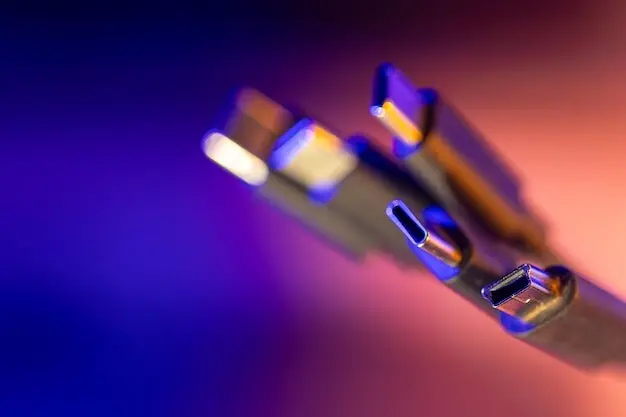
Cables that advertise 5A or extended Power Delivery profiles, especially PD 3.1 EPR up to 240W, must include a compliant E‑marker. Lower‑power 3A 60W cables may be passive. Pairing a high‑power laptop or dock with an unmarked cable can force painful fallbacks or create unsafe heat. Respecting these requirements ensures reliable negotiation, stable charging sessions, and peace of mind when your battery percentage truly matters.
Spotting Counterfeits Without Tools
Even without testers, check for consistent printing, crisp logos, proper strain relief, accurate length markings, and reputable packaging. Real USB‑IF certified products reference identifiable model names and scannable codes. Buy from trusted retailers, read verified user photos, and note weight and connector firmness. If a bargain claims impossibly high data speeds and extreme wattage with no certification trace, your instincts are likely correct to walk away.